SEO, GEO and AEO for consultants
When a business owner asks ChatGPT who can help with a problem you solve, is your firm named?
CiteProof asks the AI assistants the questions business owners ask when they look for an adviser, shows which firms they name, and lists what to fix on your site.
Free · No sign-up · Results in about a minute
What is GEO for consultants?
GEO (generative engine optimization) for consultants is the work of making a consulting or professional firm easy for AI assistants such as ChatGPT, Perplexity, Gemini and Google's AI Overviews to find, check and name when a business owner asks who can handle a specific problem. It builds on B2B SEO: service pages, the advisers' credentials and their published work, written so that a machine can verify them.
How does a consulting firm get recommended by ChatGPT?
An AI assistant such as ChatGPT names a consulting firm when it can confirm, from more than one source, which problems the firm handles, for which kind of company, who its people are and what qualifies them. These are the five things it can check.
- The same details everywhere. Firm name, address, phone number and the list of services identical on your website, your LinkedIn company page, your Google Business Profile and the directories. Partners' names and titles written the same way everywhere, professional register included.
- Reviews, recent and on more than one site. Clients' reviews on Google and on one directory of your field, such as Clutch, with recent ones among them, and signed testimonials or case studies on your site where clients agree to them.
- Listings on the sites of your trade. A complete LinkedIn company page, a profile on the directories where buyers of your service look, such as Clutch, and an entry in your professional body's register, for example the CPA or chartered accountants' directories, with the same services as your site.
- Specific answers on your own pages. One page per service that names the problem in the client's words (a succession, a reorganisation, a business plan for the bank) and says for which kind of company you do it, how the work proceeds, how fees are set and which adviser is responsible, with their qualifications.
- A site the assistants can read. Text that is in the page itself and not locked in a PDF brochure or loaded later by a script, structured data for the firm and each adviser, and a robots.txt that lets the assistants' search crawlers in.
Where do AI assistants look for a consultant?
Yext analysed 6.8 million citations in answers from Gemini, OpenAI and Perplexity: 44% pointed to the business's own website, 42% to listings, 8% to reviews and social media, 6% to news, forums and other sites.
Source: Yext, 9 October 2025 (Yext sells listings software). Read on 26 November 2026.
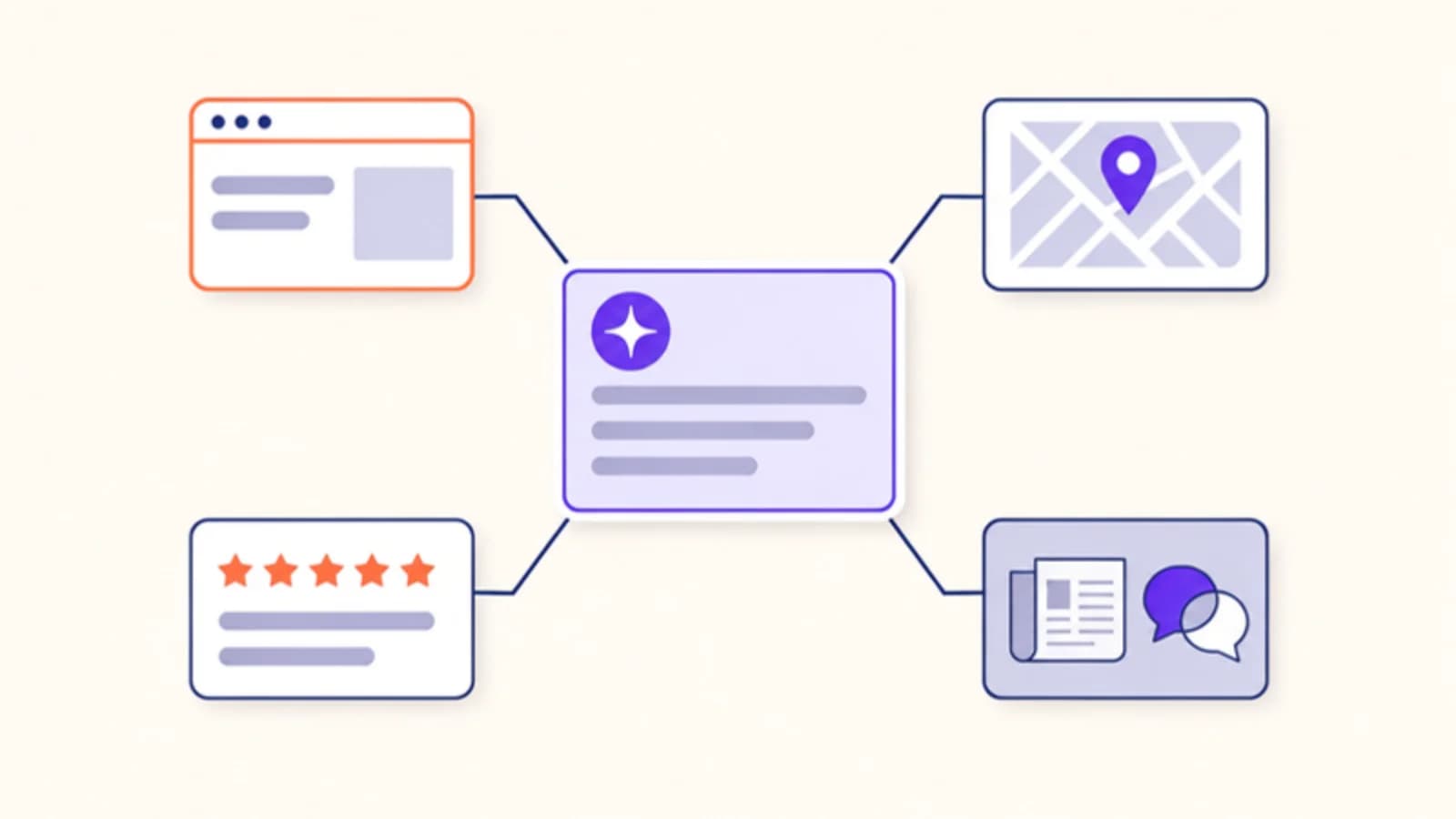
| Where | What to check there |
|---|---|
| Your own website | Service pages, each adviser's profile with qualifications and experience, case studies, signed articles, the sectors you work in, how a first meeting works. |
| Listings and directories | LinkedIn company page, Google Business Profile, Clutch, your professional body's register: the same firm name, address and services as your site. |
| Reviews | Google reviews and the reviews on the directories of your field: how many, how recent, and what kind of engagement they describe. |
| Press, associations and forums | Industry and business press, articles and talks signed by your people, your professional body's pages, forums where owners ask each other who to hire. |
What should a consulting firm do first?
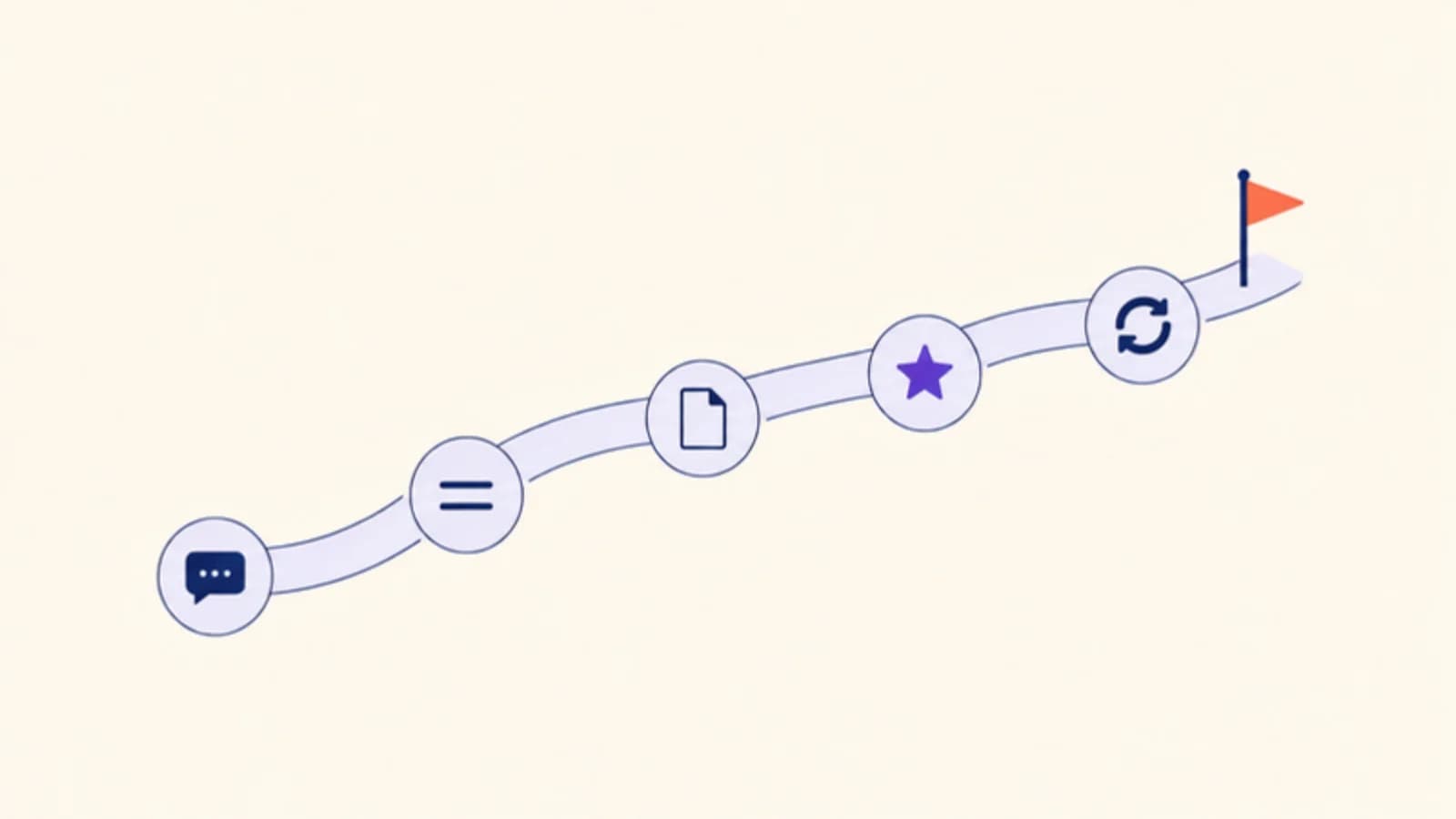
- Ask ChatGPT, Perplexity and Gemini the questions your clients ask, for example a firm in your town that handles the succession of a family business, and write down which firms are named.
- Make firm name, address and the list of services identical on your site, your LinkedIn company page and the directories you appear in.
- Give each service its own page, with the client's problem and the kind of company you solve it for in the first two sentences, and the responsible adviser named.
- Complete each adviser's profile, on your site and on LinkedIn, with qualifications, register entry and signed articles, and publish the case studies your clients allow.
- Check that the assistants' crawlers can read the site, case studies included, then ask the same questions again after a month and compare.
The free scan at the top of this page does the first step for you: it asks the assistants the questions and shows who they name.
The owner who has nobody to ask
Most of your work comes through people who know you. Then there is the owner who has to hand the company to the next generation, reorganise a team, or find an accountant who understands investors, and knows nobody who has done it. That owner can describe the case to an assistant and ask who handles it. The answer names a few firms and says why. A conversation your firm was not part of leaves no trace on your side. The scan shows you that answer for the work you do, question by question.
What business owners ask, from our catalogue for consulting firms
- Strategy consultant for international expansion
- Boutique M&A advisor in Chicago
- I need an HR consultant to restructure the org chart of an 80-person company, any suggestions?
- I'm looking for a digital transformation consultant for a small manufacturing business, who is the best?
- Which firm in Chicago is an expert in succession planning for family-owned businesses?
- Which consultant is an expert in bankable business plans and financial models for startups?
These are examples from our catalogue of questions for this trade; where a question names a town, it is shown here with Chicago. The free scan writes 5 questions by reading your own site and puts them to ChatGPT, Perplexity and Gemini.
How it works
What the free scan gives you
It includes
- 5 questions written from your own site
- For each question: whether ChatGPT, Perplexity and Gemini name you, and who they name instead
- A score and the first 3 problems found on your site
It does not
- Change anything on your site
- Keep watching over time: it is a picture of today
It asks only for your site's address. You leave an e-mail only if you want the report sent to you.
What comes next, if you want it: a free account that keeps the analysis, and paid plans from $79/month. Cancel anytime · 14-day money-back guarantee
What you find out
Already doing SEO or advertising?
This does not replace either. It answers a different question.
- SEO
- Works on where you appear in Google's results when someone searches.
- Advertising
- Buys you visibility for as long as you pay.
- CiteProof
- Measures which names come out when someone asks an AI assistant for a recommendation, and works on what your site contributes to that.
- Doing nothing
- Costs nothing, and leaves you not knowing what the assistants say about you. The scan is how you find out.
It is for you if
- You are a consultant or a professional firm that works with businesses: management, tax and accounting, HR, IT.
- You have a website you can change, or someone who changes it for you.
- You want to see what is said about your firm before deciding what to do.
It is not for you if
- You have only a LinkedIn profile and no website: the scan reads a site.
- You want a guarantee of being named. Nobody can honestly give one.
- You are looking for someone to write your LinkedIn posts or find leads for you. We do not do that.
What we cannot promise
- We do not control what the assistants answer. Their answers change, sometimes from one day to the next.
- Nobody can guarantee that you will be named. We measure, fix what depends on your site, and check whether it made a difference.
- Part of what the assistants use is outside your site: reviews, articles, how well known you are. We do not change those for you.
Questions and answers
Do business owners really ask AI assistants for a consultant?+
We have no figure for your field and we will not invent one. What the scan shows is what the assistants answer today when they are asked. Whether that matters for your firm is your call once you have seen it.
My clients come by referral. Why look at this?+
Referrals stay what they are. This measures something else: which firms an AI assistant names when an owner with nobody to ask describes the problem and asks who handles it. It does not replace your network.
My work is confidential and I cannot name clients. Does that matter?+
The scan does not need client names. It reads the public pages of your site and the answers of the assistants, and it does not connect to your CRM or to any client file. What counts is what you can say in public: the problems you handle, the sectors you know, who you are.
Someone else runs my website. Can I still use it?+
Yes. The scan needs only the address. If you go further, the fixes are applied through a WordPress plugin, the Wix app, or a small snippet that whoever runs the site can add.
Can you guarantee that the assistants will name me?+
No, and be careful with anyone who does. We measure what they answer today, fix what depends on your site and measure again. Sometimes the answers change, sometimes they do not.
What does the free scan need from me?+
Your site's address, nothing else. No sign-up and no card. It takes about a minute. If you want the report by e-mail you leave your address, and you can unsubscribe at any time. Questions: hello@citeproof.co.
See what the assistants say about your firm
Enter your site's address. About a minute, no sign-up.