Fixes are CiteProof's operational core: they turn the audit into concrete actions.
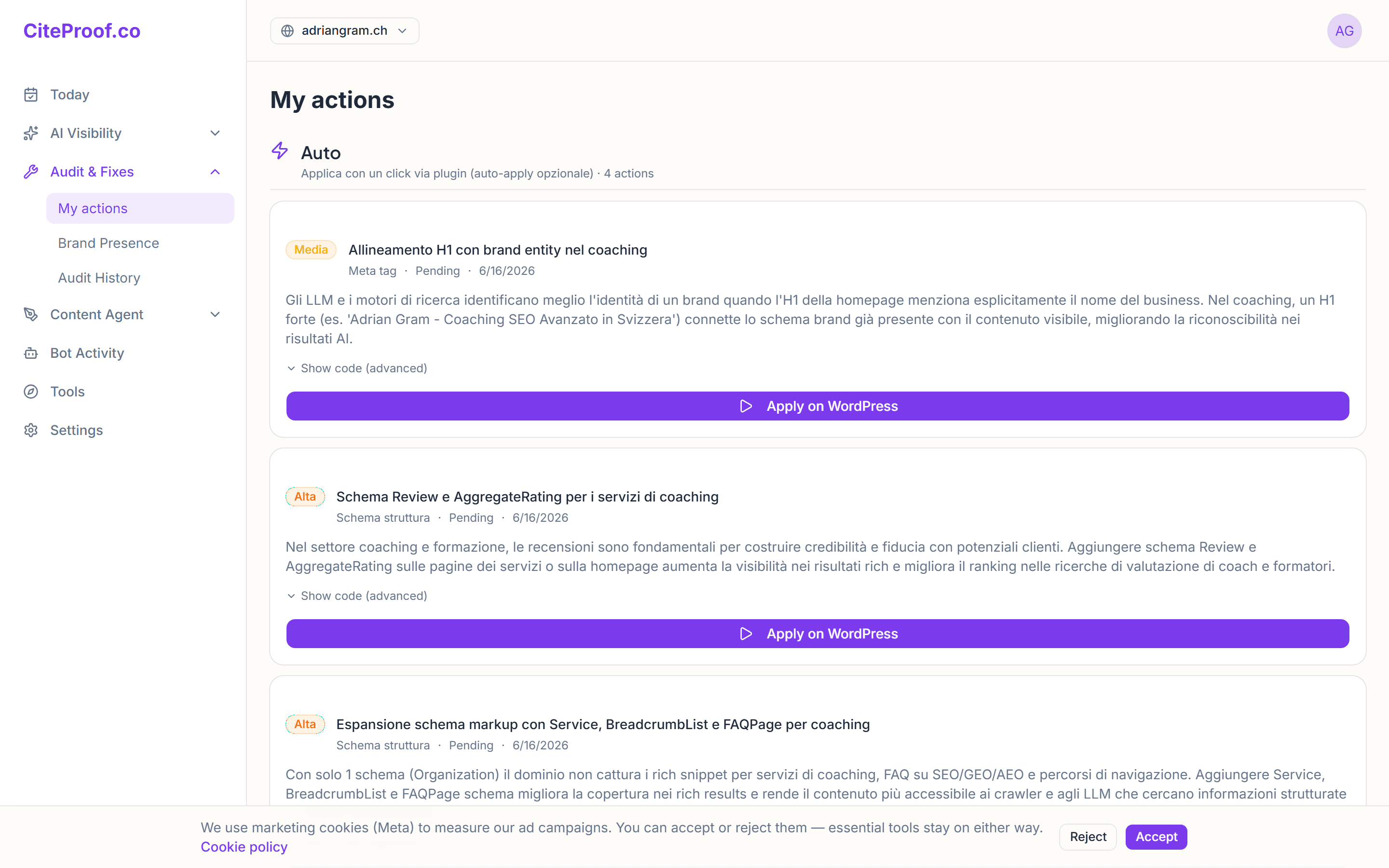
The prioritized list
In the Today section (or Fixes) you'll find the detected problems, ordered by priority — from Critical to Low. Each fix explains in plain language what's wrong, why it matters and how to resolve it.
Typical examples: missing structured data, absent FAQs, AI bots blocked in robots.txt, content that isn't citable.
How to apply them
Depending on the fix and your setup:
- With one click from the dashboard, when the fix can be automated;
- Via the WordPress plugin, which writes structured data, meta, robots.txt and llms.txt on the site. Right after installation the plugin is in review-only mode: fixes wait in Citeproof → Pending fixes until you press Approve. You can switch review off in the plugin settings, or tune automatic application from the dashboard in Settings → Auto-apply (excluded pages, an email for every applied fix). Every applied fix can be revoked in one click;
- Manually, following the instructions, when the site needs a hands-on change (a comparison page or performance work, for example).
The Verify Bot
This is what sets CiteProof apart: once a fix is applied, the Verify Bot re-checks the page to confirm the change is actually live. Only then does the score update.
No "done" on trust: the number you see always matches the reality of the site.
Where to start
Start with the Critical and High fixes: they have the most impact on visibility. Minor fixes can come later.
Why doesn't the score rise right after a fix?
Because it waits for the Verify Bot's confirmation, which re-checks the page to make sure the change is live. That's the guarantee the score reflects reality.