The audit is your baseline snapshot: it tells you if and how AI cites you today.
How to start it
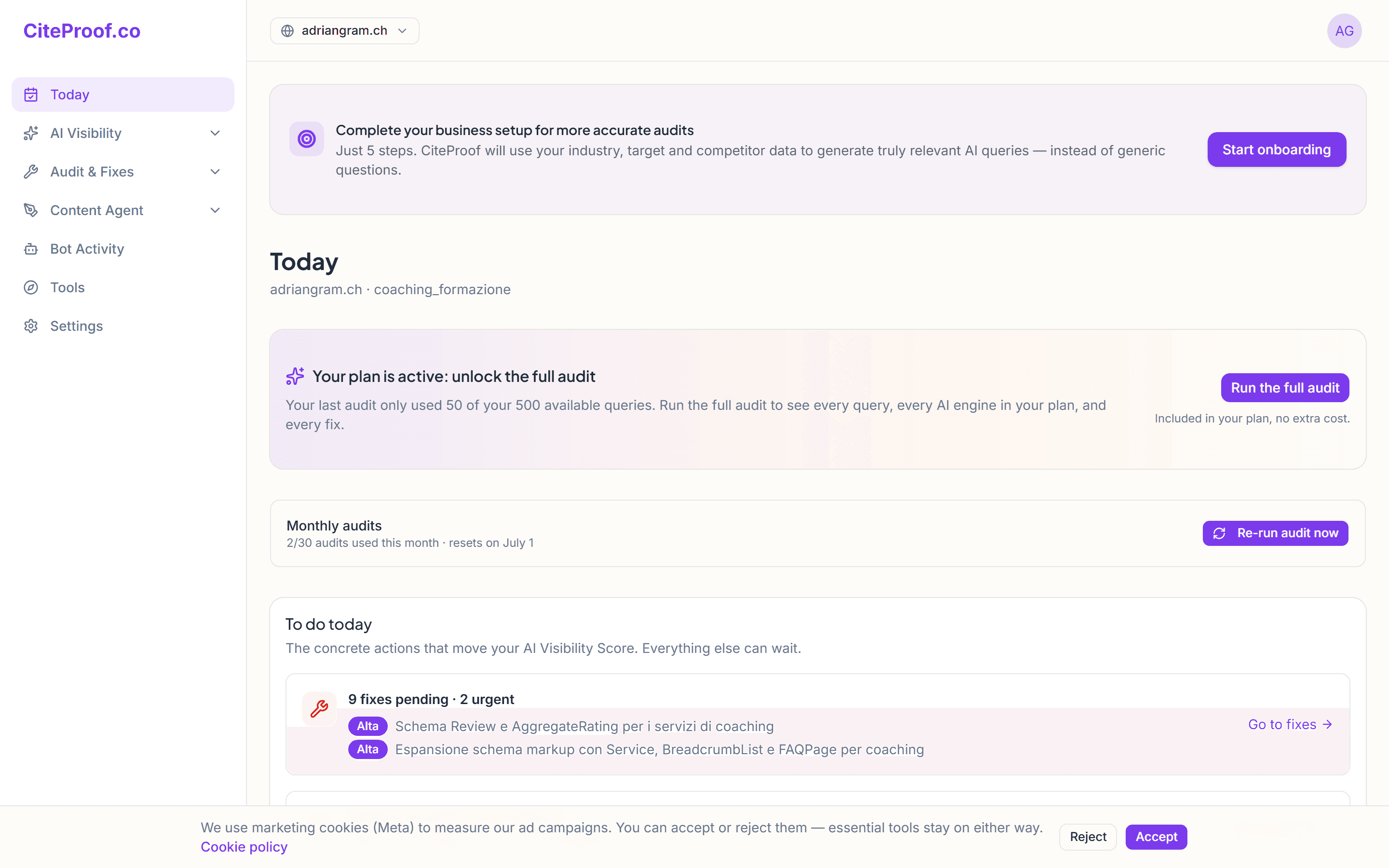
From the Dashboard (or Today), with the site selected in the sidebar, press Start audit. The analysis runs in the background — you can close the page, it keeps going.
What it does while running
During the audit CiteProof:
- queries the answer engines (ChatGPT, Perplexity, Gemini, Claude and — on plans that include it — Google AI Overview) to see if your brand is cited;
- checks AI bot access to your site (GPTBot, ClaudeBot, PerplexityBot, Google-Extended and others) by reading
robots.txtand fetching pages; - analyzes page structure to gauge how "citable" your content is.
How long it takes
Usually a few minutes, depending on site size and network. When it's done, the score and fixes appear in the Today section.
How many audits can I run
The number of audits per month depends on your plan. The free plan includes one; paid plans increase the frequency and the number of engines queried.
Can I use the site while the audit runs?
Yes. The audit runs in the background: you can navigate elsewhere or close the page, and the result waits for you in the Today section.