AI engines describe your business by putting together what they find: your site, your profiles, directories, Wikidata. When those places disagree, the answer gets something wrong. The Brand page shows where.
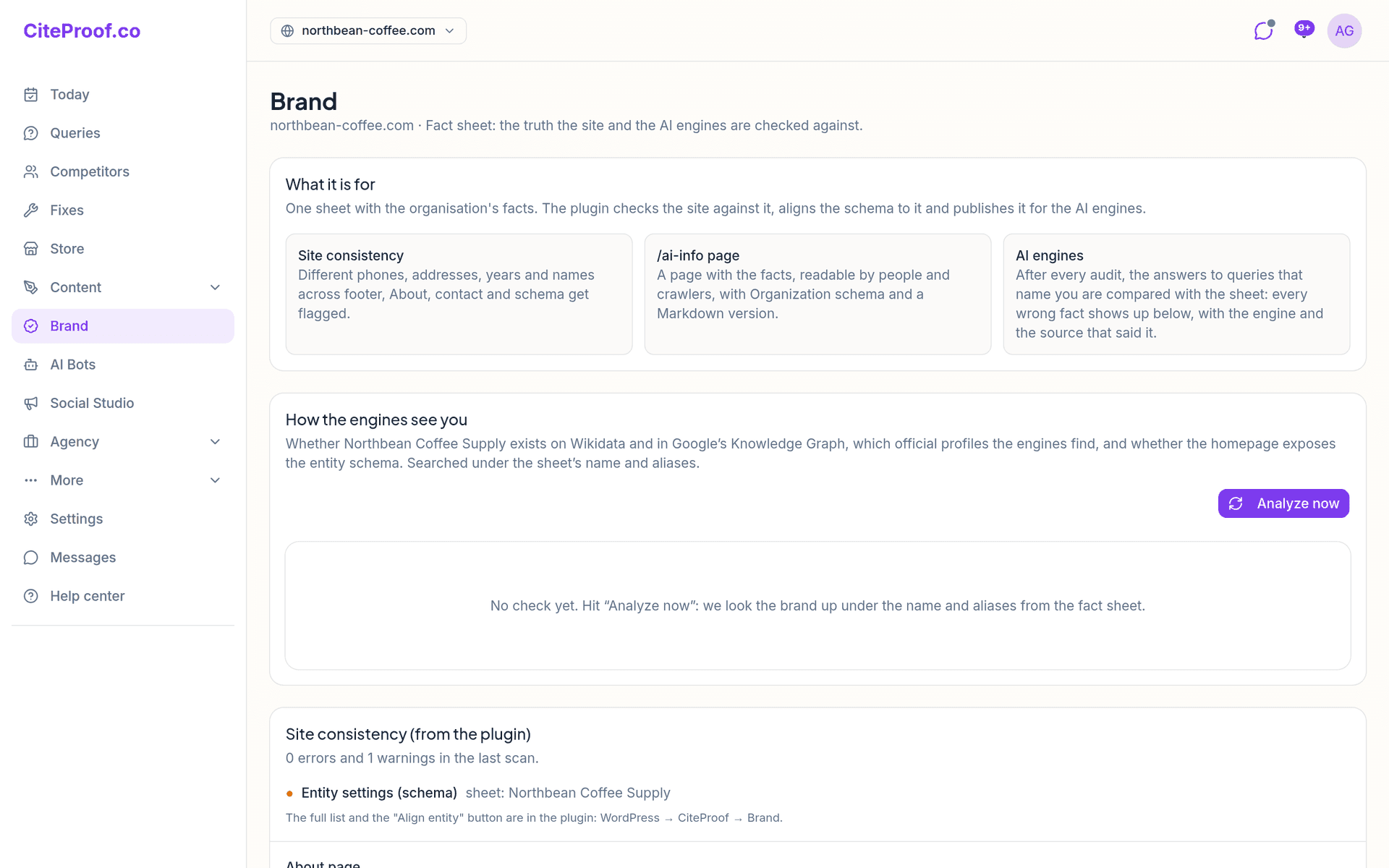
What it is for
Everything on the page is measured against one fact sheet: name and aliases, business type, description, founding year, people, address, phone, services, numbers, official profiles. The three boxes at the top sum up what it does:
- Site consistency: different phones, addresses, years and names across footer, About, contact and schema get flagged.
- /ai-info page: a page with the facts, for people and crawlers.
- AI engines: after every audit, the answers to queries that name you are compared with the sheet.
What goes in the sheet, and how the plugin uses it, is in The fact sheet and the /ai-info page.
How the engines see you
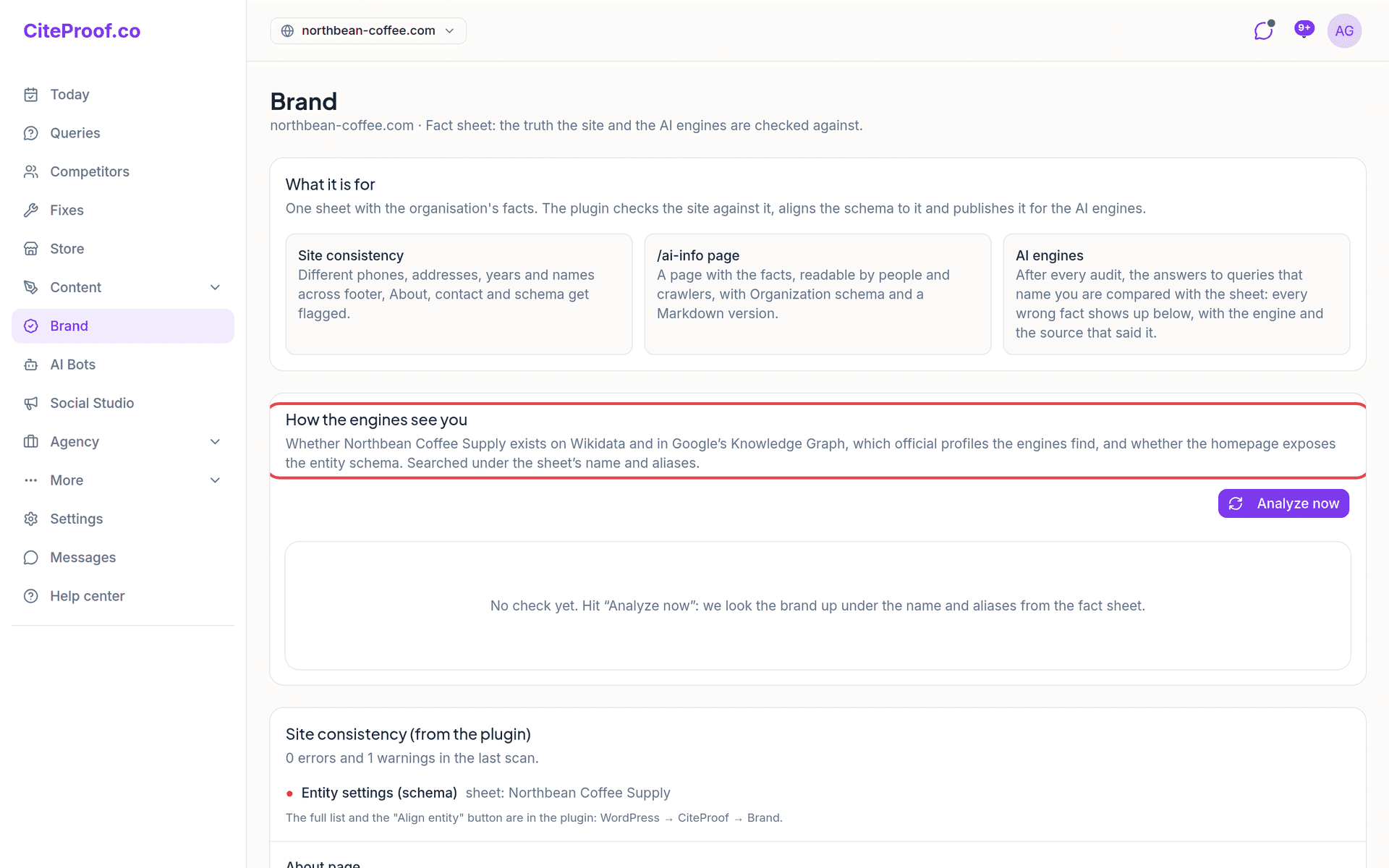
Press Analyze now. CiteProof looks your brand up under the name and aliases from the sheet and checks:
- whether it exists on Wikidata, with how confident the match is;
- whether Google's Knowledge Graph recognizes it;
- which official profiles (sameAs) the engines find, and which are missing. Add to the sheet saves a missing profile in the fact sheet, and from there it goes into the schema;
- whether the homepage exposes the entity schema (Organization or LocalBusiness), and how complete it is.
At the end you get an overall score and a list of Recommendations by severity. Without a Wikidata entry, the guide How to create your Wikidata entry walks you through it. This check is included in the paid plans.
Site consistency (from the plugin)
With the WordPress plugin connected, this card shows the errors and warnings of the last scan: where the site says something different from the sheet, what it says, what the sheet says. Below it, the score of the About page and what it is missing. The full list and the Align entity button are in the plugin, under CiteProof → Brand.
If the site memory found the same fact written differently on different pages, an extra card, Inconsistencies between pages, lists them.
What the AI gets wrong about you
During the audit, the answers to the queries that contain your name are compared with the sheet. Every contradiction becomes a row:
- The AI says and The sheet says, with the engine and the query;
- the Cited source, or no source cited: the model said it from memory;
- how many times it was seen.
Ignore removes a row from the open ones; Reopen brings it back. The fix: when there is a source, correct the data there; when there is none, publish the right fact on the site, on /ai-info and on the official profiles. The row closes on its own when the engine stops repeating it.
The check needs a sheet with at least one fact beyond the name, and at least one tracked query with your name.
Source map
Source map (/dashboard/brand/sources) shows where the engines look when they answer about your sector, across the last audits:
- the sources in three tiers, from the ones that matter to the occasional ones, with the kind (wiki, reviews, directory, social, marketplace, press), how many times each one was cited instead of you, and what to do about it;
- Your pages cited;
- URLs invented by AI: addresses that do not exist on your site but that an AI crawler requested, or a visitor reached from an assistant. Create a redirect on the site sends them to the right page. This part needs the WordPress plugin.
Monthly proof
Monthly proof (/dashboard/brand/proof) compares this month with the one before, in facts: score, citations and queries tested; wrong facts corrected in the AI answers; and, with the plugin, AI crawler visits, invented URLs requested and redirected, average AEO, site/sheet inconsistencies, About page. Download saves it as a PDF.
Document corpus
Document corpus (/dashboard/brand/corpus) generates sixteen documents about the business from the fact sheet, in four tiers: core, authority, trust, knowledge. The facts come from the sheet; the narrative parts are written only from the facts and your notes, and every number not in the sheet is marked [check]. You read, correct and publish: with the plugin they appear under /ai-info/, linked from llms.txt. Each one can also be downloaded. AI generation is on the higher plans.
The fact sheet card
At the bottom, Fact sheet shows how complete the sheet is and which fields are missing. Open the business sheet takes you to where you edit it.
Why does What the AI gets wrong about you say Skipped?
Either the sheet only has the name, or no query in the last audit contained your name. Fill in year, phone, address or services, add a query with your brand name and run an audit.
Do I need the WordPress plugin for this page?
How the engines see you, the wrong facts in AI answers and the source map work without it. Site consistency, the invented URLs and the site half of the monthly proof come from the plugin.
I fixed a wrong fact: when does it disappear?
When the engine stops repeating it. The audits keep comparing the answers with the sheet, and the fact moves among the ones the engines stopped repeating.