These tabs work on their own. You open them to check that everything is green, to answer a URL an AI invented, to add a location or to approve a fix.
SEO
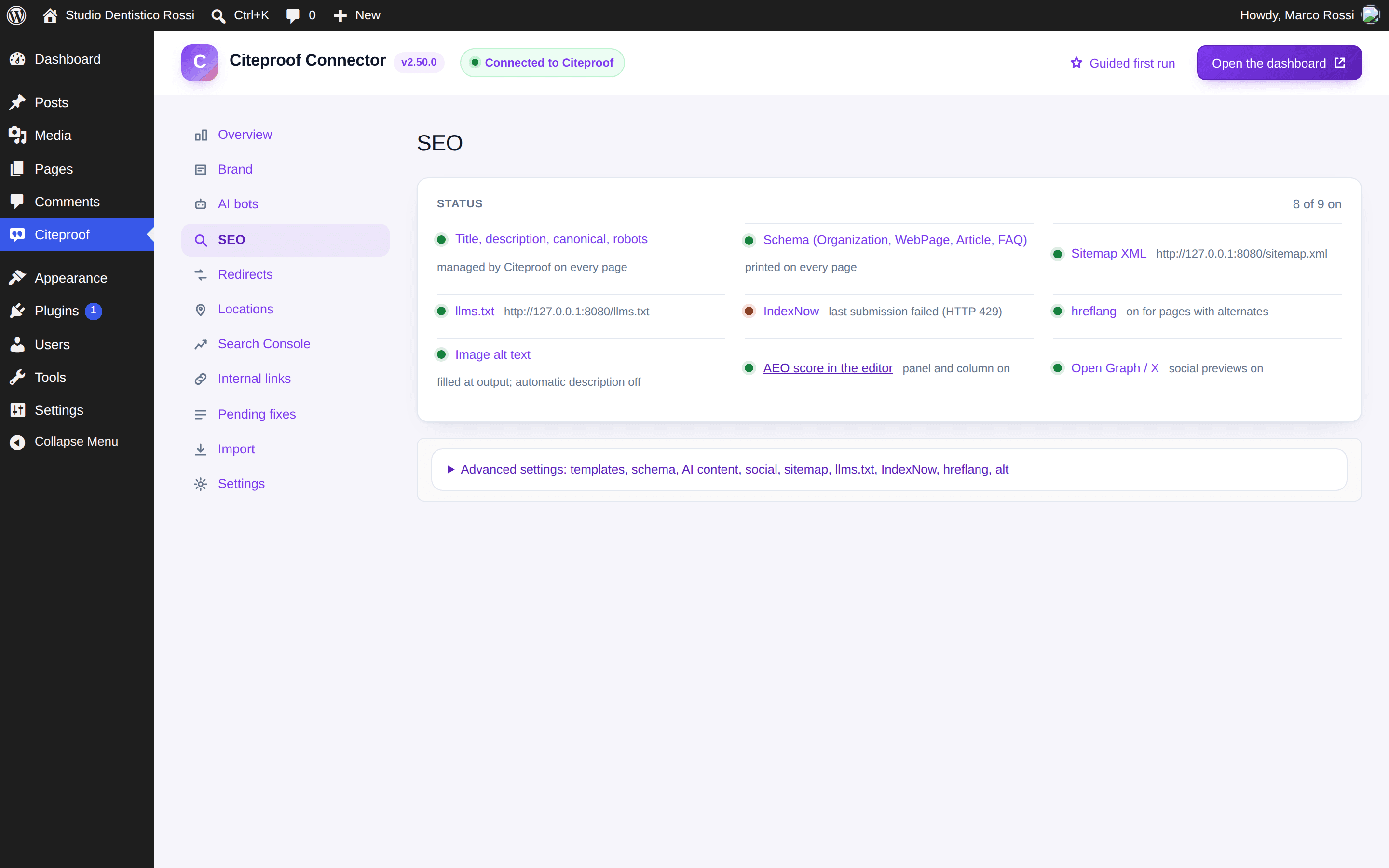
The tab shows the status of the nine modules: title, description, canonical and robots per page; schema (Organization or LocalBusiness, WebPage, Article, FAQ, Breadcrumb, Product on WooCommerce); XML sitemap; llms.txt; IndexNow; hreflang; image alt text; AEO score in the editor; Open Graph. Green means on and working; red says what is wrong (for example the last IndexNow submission failed).
Every module has an automatic mode that steps aside when Yoast SEO, Rank Math, WPML, Polylang, TranslatePress or Weglot already does the same job. Under Advanced settings you can force it on or off and adjust title templates, schema types, content for AI engines (author box, short answer, questions), social, sitemap, llms.txt, IndexNow, hreflang, automatic image descriptions.
Two honest notes, the same you find in the interface: no engine has announced it reads llms.txt (the plugin serves it because it costs nothing); IndexNow is not read by Google, but Bing's index feeds ChatGPT search and Copilot.
Redirects
The redirect rules (301, 302, 307, 410, 451; exact match, starts with, contains, regex) and the 404 log. The log marks who asked for a page that does not exist: an AI crawler or a visitor sent by ChatGPT, Perplexity, Gemini, Copilot. Those are the URLs invented by AI: for each one the plugin proposes the page it probably meant and Create redirect closes it in one click. From the Overview, Create the N redirects does them all together.
Locations
One row per branch: name, address, phone, email, opening hours, coordinates, map link. Every location becomes a LocalBusiness node linked to the Organization; the main one goes on the home page. From the SEO box you tie a page to a location (the WebPage schema references it). The [citami_location], [citami_locations] and [citami_opening_hours] shortcodes show the details on the pages. Locations from Rank Math Local or Yoast Local can be imported.
Pending fixes
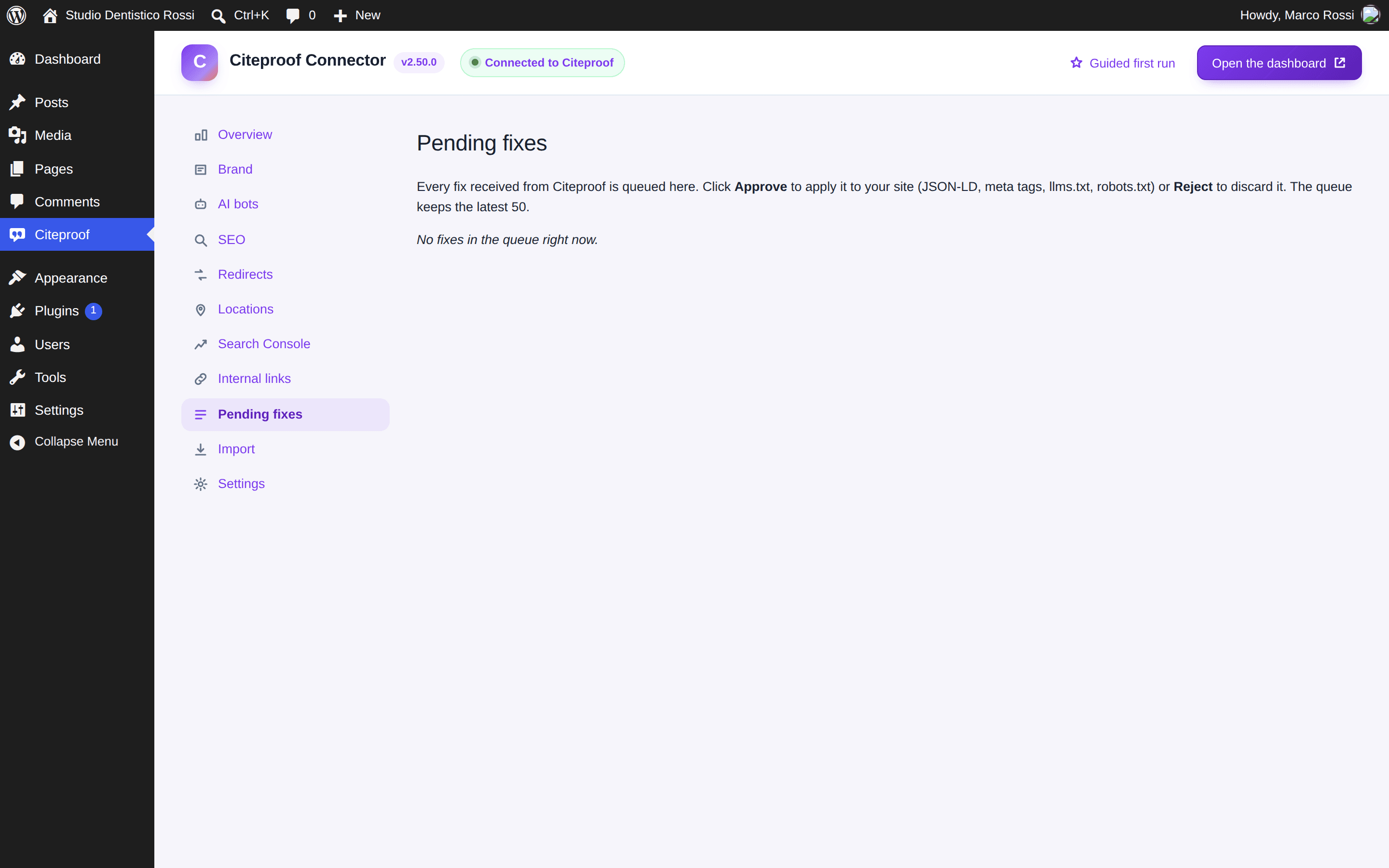
The fixes generated by the audit (JSON-LD schema, meta tags, robots.txt, llms.txt) land here. With review-only mode on, which is the case right after installation, they wait for your Approve or Reject; with the mode off they apply on their own. Every applied fix has Revoke, which removes exactly what it wrote. The outcome goes back to the dashboard, where the Verify Bot checks it is live.
Import
If you come from Yoast SEO or Rank Math, Import copies every page's title, description, canonical and robots, the templates, the redirects, the schema settings and the locations. You can keep the other plugin active during the import and deactivate it afterwards.
Do I have to deactivate Yoast before using Citeproof?
No. With the modules in automatic mode the two do not overlap. When you decide to switch, import the data from Citeproof → Import and deactivate Yoast afterwards.
What does a fix write on the site?
Only in the page head (schema, meta), in robots.txt or in llms.txt. Never inside a post's text. Every fix is keyed by its id and revokes itself cleanly.